


### Blog Post:
Paint matching app technology transforms how you pick wall colors, letting you scan real objects or upload room photos to instantly discover the closest paint shade—before buying sample cans or rolling a single stroke.
Key Takeaways
- The most accurate paint matching apps in 2024 combine AI, AR, and hardware color sensors to improve color precision, but real-world accuracy depends on lighting and camera stability.
- Free apps from top paint brands offer decent visualization but struggle with perfect matching; subscription and hardware options deliver higher accuracy for serious users.
- Review app features, costs, and limitations carefully—some require extra devices, while even the best apps have trouble with glare, wall texture, or occluding furniture.
- What Is a Paint Matching App and Why Use One?
- How to Use a Paint Matching App: Step-by-Step
- Advanced Analysis & Common Pitfalls
- Conclusion
- FAQ
What Is a Paint Matching App and Why Use One?
A paint matching app uses your phone’s camera or a hardware color sensor to scan walls, objects, or design inspiration, then matches the color to the closest “real” paint swatch—saving you from endless guesswork in the store. Most apps also offer room visualization, letting you preview new colors virtually before buying.
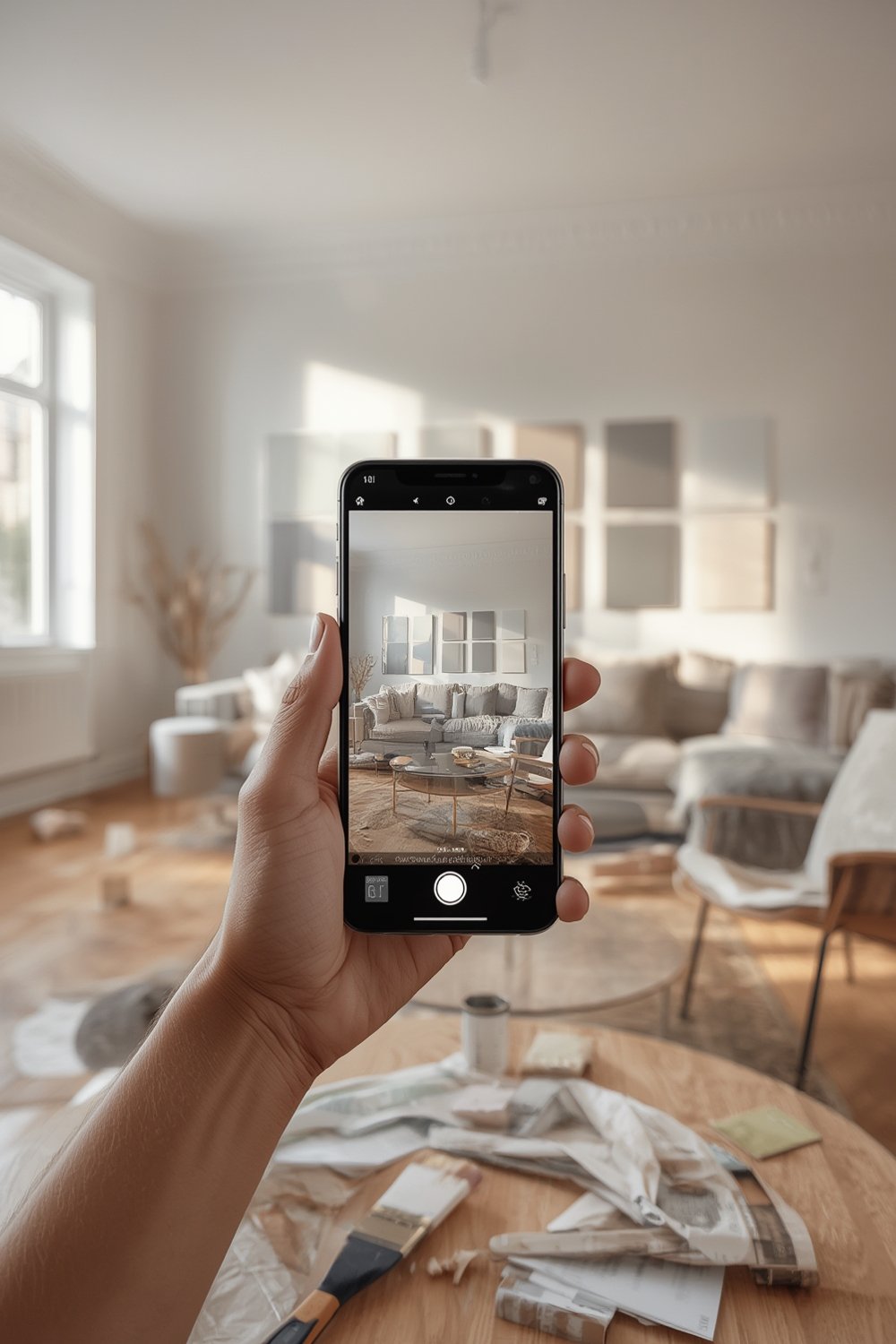
Why use an app instead of traditional paint chips? Because phone-based color matching is faster, more interactive, and can instantly suggest palettes for your space. Top home brands—like Sherwin-Williams (“ColorSnap Visualizer”), Benjamin Moore (“Color Capture”), and Behr—offer free versions for iOS and Android. Professional-level apps pair with handheld devices (think Color Muse, Nix, or Palette Pico) to push match accuracy beyond 95% (source).
Whether you’re testing DIY design updates or prepping for a full remodel, the right paint matching app saves you time, prevents expensive color mistakes, and gives confidence to try bold new looks. For daring ideas like color drenching your walls or coordinating with fluted wall panel accents, seeing the result before you buy is a game changer.
How to Use a Paint Matching App: Step-by-Step
Ready to test your room colors or hunt down the paint shade from that Pinterest image? Follow these steps for the most accurate results with popular apps like Sherwin-Williams ColorSnap, Benjamin Moore Color Capture, or paid tools (e.g., Nix Pro, Palette Pico).
- Choose Your App. Download a reputable option like ColorSnap Visualizer (Sherwin-Williams), Color Capture (Benjamin Moore), or a pro tool such as Paint Color Match (source).
- Prep the Room (or Object). Clean the wall, and turn on overhead and natural lighting. For photos, avoid direct sunlight or glare. For scanning objects, lay them flat against a neutral background.
- Take a Reference Photo or Scan. For camera-only apps, hold your phone steady and slowly pan the room or tap on the surface you want to match. For hardware devices (like Color Muse, Palette Pico, Nix Pro), place the sensor flat and securely on the paint surface.
- Let the App Analyze the Color. The software compares the captured hue to the nearest swatches stored in its (brand-specific or universal) database.
- Preview Your Match. Use the visualization (“paint try-on”) feature to overlay replacement colors onto your room or surface image. Adjust walls, trim, and ceilings for a full-room look. Some apps auto-mask furniture for realistic previews. If you want a trending bold look, explore guides like moody living room color ideas for inspiration.
- Save, Share, or Shop. Most apps let you save color combos, visualize before and after, and share your rooms. Some will auto-calculate paint quantities, connect you with a store, or even let you order online.
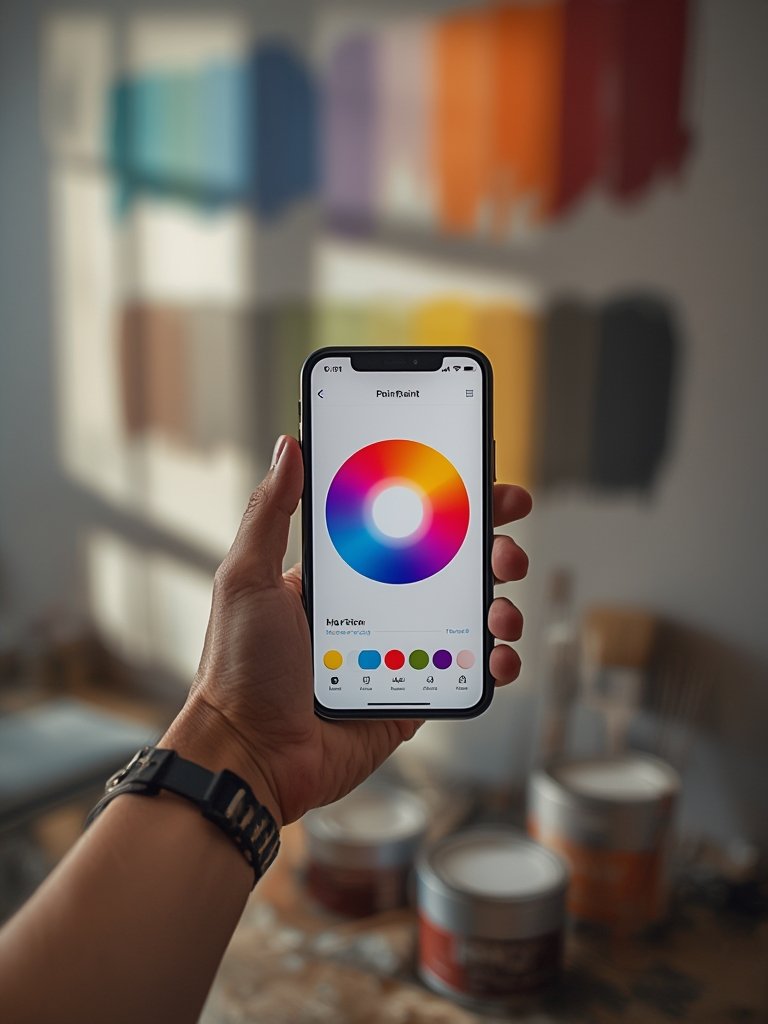
- Free or Paid? ColorSnap Visualizer, Behr’s ColorSmart, and Valspar Pick-a-Paint are free and best for quick ideas. If you crave pro-level accuracy—especially for rental units, flips, or designer projects—invest in ColorSnap Match Pro ($79.99) or a Nix Pro 2 sensor ($349) (source).
- Hardware Integration. To match physical objects or unknown wall colors, hardware sensors outperform camera-only apps. Palette Pico, Nix, and Color Muse can also scan fabrics, tile, and more, matching to up to 24 brand color libraries.
- Sharing Your Visuals. Use saved images to consult with paint store pros or DIY contractors, especially for scale projects. Pair this with budgeting tools like exterior paint cost calculators for whole-home or outdoor projects.
Advanced Analysis & Common Pitfalls
Even the best paint matching apps have quirks—perfect color matching is technically challenging, and consumer reviews reveal some consistent limitations.
| App/Device | Reported Accuracy | Key Features | Device/Cost | Downsides |
|---|---|---|---|---|
| Sherwin-Williams ColorSnap Match Pro | 96%* (fan decks) | Sensor+app, project planner | $79.99 (sensor) | Requires hardware, only Sherwin-Williams colors |
| Benjamin Moore Color Capture + ColorReader | Not quantified | 3,300+ colors, video AR, hardware optional | $99+ (ColorReader) | Some features behind paywall |
| Nix Pro 2 | Not quantified | Matches PANTONE, RAL, NCS, paint | $349 (sensor) | High cost, pro audience |
| Palette Pico | Not quantified | Adjusts for light conditions, 24 brands | $69–$79 (sensor) | Still photo required, learning curve |
| Paint Color Match (app) | 95% (user feedback) | Real-time AR, furniture occlusion | $50/yr Pro or free limited trial | Subscription needed for full features |
| Brand Apps (ColorSnap, ColorSmart, etc.) | Not quantified | Photo match, AR previews, free | Free (iOS/Android) | Glitches in lighting, textures, masking |
*Source: thecpia.com, App Store
- Lighting Variations: Both feedback and pro reviews agree—poor room lighting, shadows, or glare are the biggest source of mismatched results, especially for camera-only apps. Hardware sensors like Palette Pico or Nix can help but are still prone to glossy or textured walls (source).
- Surface & Texture: Most apps can’t reliably detect or adjust for deep wall textures, stone, or uneven surfaces—meaning virtual color try-ons might look flat or distorted versus real life.
- Furniture Occlusion: AR masking is impressive but imperfect. User reviews show about 95% “accuracy” for occluding furniture in top apps like Paint Color Match, but large or oddly shaped objects may throw off the algorithm (source).
- Paint Brand Matching: Most free apps only provide exact matches to their own brand’s colors. If you want to compare across brands or match to multiple options, look for tools that aggregate major paint libraries or invest in a multi-database sensor like Nix Pro.
- Costs and Upselling: Hardware sensors drive up upfront cost. Subscription-based apps often put full-color libraries, hi-res exports, or sharing features behind a paywall. For basic DIY, free apps are fine—but know that more accuracy often means higher cost. For an example of smart investing in home upgrades, see our heat pump water heater savings guide.
- No Reliable Market Stats: There isn’t published data on how quickly consumers have adopted these apps, or on the true market share for each tool (source).
Looking to pair your new color with bigger upgrades? See style trends in organic modern bedrooms or update your space with ease using washable living room rugs.
Conclusion
Paint matching app technology offers a huge leap forward, enabling faster, more confident color selection and virtual room makeovers. The most accurate apps pair AI-powered software with sensor hardware for match rates above 95%—but factors like room lighting, hardware cost, and software limits mean no tool is flawless. Use free brand apps to experiment, consider paid solutions for perfect matches, and always test real paint samples in your space before committing. Ready to reimagine your walls? Download a trusted paint matching app and see the difference for yourself.
Want more smart home upgrades? Check out our guide to future-proofing your EV charger installation or learn about smart electrical panels for the modern homeowner.
FAQ
How accurate are paint matching apps in real-world use?
Top-rated hardware-integrated paint matching apps, like Sherwin-Williams ColorSnap Match Pro, reach up to 96% accuracy when used on fan decks or flat paint surfaces (source). Camera-only apps and poor lighting may lower real-world precision. Always test your match in actual room conditions before buying gallons.
Are any paint matching apps completely free?
Yes—many leading brands offer free color matching and AR visualization apps, including Sherwin-Williams ColorSnap Visualizer, Benjamin Moore Color Capture, and Behr ColorSmart. These include virtual paint try-ons and basic palette matching, but lack cross-brand comparison and advanced professional features.
What’s better: photo-based apps or hardware color sensors?
Photo-based apps are fast and cheap but more affected by lighting or camera quality. Hardware color sensors (like Color Muse, Nix Pro, Palette Pico) filter out some environmental issues and match to more brands but cost more. For designers or accuracy-focused DIYers, hardware plus app is best.
What are the main problems users face with these apps?
Biggest complaints are inaccurate matches in poor lighting, AR glitches where furniture masks aren’t perfect, and apps only referencing their own paint brands. User feedback also points to hidden subscription charges for pro-level features in some apps.
Which home improvements pair well with a fresh color scheme?
After using a paint matching app, consider upgrades like garage-to-ADU conversions for extra space, organic modern design, or LVP flooring installation to complete your home refresh.
—