


### Blog Post:
AI room design tool adoption is reshaping how homeowners and pros reimagine their living spaces, but not all the hype matches the real-world experience. Whether you want to test bold styles, plan a smart renovation, or avoid costly design mistakes, knowing how these platforms work (and what they can’t do) matters more than ever.
Key Takeaways
- AI room design tools are on a fast-growth curve, but hidden costs and limitations are often overlooked in reviews.
- Accuracy and usability vary widely—97% photorealism is possible, but not guaranteed on every platform or device.
- Realistic design outcomes depend on tool choice, tech specs, and careful user input—don’t skip the fine print.
- What Is an AI Room Design Tool and Why Use One?
- How to Use an AI Room Design Tool: Step-by-Step Guide
- Advanced Analysis & Common Pitfalls
- Conclusion
- Frequently Asked Questions
What Is an AI Room Design Tool and Why Use One?
An AI room design tool uses artificial intelligence to create, visualize, and edit interior spaces based on your style, needs, and real-world dimensions. Instead of guessing how furniture, colors, or layouts will look, these apps transform photos (or empty room plans) into realistic, interactive mockups in seconds. The result: rapid testing, fewer costly mistakes, and dramatic time savings for homeowners, DIYers, or interior design professionals who want to visualize remodels, color changes, or new layouts risk-free.

The global AI interior design market surged to $1.47 billion in 2024 and could hit nearly $7 billion by 2032, thanks to rising demand for smarter, more efficient design solutions (source). Top tools like RoomGPT, Planner 5D, and Coohom now let users experiment with various decor trends (including DIY fluted wall panels or color drenching paint) without committing to actual paint or materials. This technology puts advanced design tools (once locked behind professional paywalls) in everyone’s hands—but it isn’t perfect.
How to Use an AI Room Design Tool: Step-by-Step Guide
- Select the right AI room design tool. Start with well-known apps such as RoomGPT (photo-based), Planner 5D (interactive planning), or Coohom (pro-level rendering). Make sure the platform supports your device (mobile/desktop) and project scope. Check if the AI model is up to date—many tools push frequent updates and feature rollouts.
- Gather high-quality room images or floorplans. If your chosen tool needs photos (like RoomGPT), take them in daylight with your room decluttered for best AI accuracy. For 3D or AR designers, scan the space as per instructions using your phone’s camera (modern iOS/Android devices work best).
- Input your goals and room data. Specify what you want: paint color changes, full furniture swaps, style transformations (e.g., organic modern, spa bathroom). Most advanced AI tools ask about room function, usage, or your preferred design era.
- Play with layouts, colors, and styles using the AI’s suggestions. Let the AI generate several options. Use “regenerate” or “remix” buttons to see new variations. Save or export favorites for further tweaking.
- Validate and refine the design. Use comparison view if available (before/after). Check that doorways, natural light, and furnishings are realistically rendered. Pay attention to tiny details—sometimes AI makes odd artifacts in corners or mirrors.
- Share, download, or implement your plan. Many tools let you export high-res images, PDFs, or even AR walkthroughs. Consult a contractor or designer before making structural changes, especially with complex upgrades (see this energy efficiency guide if you’re tackling MEP updates).

It helps to try multiple AI room design tools before settling. Free versions—like those from IKEA, Homestyler, or RoomSketcher—let you explore features, but may lock the best output behind paywalls. 40% of users upgrade to premium for deeper editing, high-res exports, or unlimited usage (source).
For more ambitious projects, check that the tool you choose supports the necessary AR features, measuring capabilities, or even 3D printing/export for build teams. Some apps promise real-world design accuracy up to 95%—but results may vary depending on lighting, room arrangement, and device capabilities.
Advanced Analysis & Common Pitfalls
Despite their speed and flexibility, today’s AI room design tools are not magic. Here’s what most glowing reviews (and even some comparison guides) miss:
- Hidden costs: Nearly all leading AI platforms are “freemium.” Free versions limit your exports, style choices, or room size; premium upgrades often run $4–$39 per month. Some charge extra for augmented reality features or high-res output. Always check pricing before you invest effort.
- Usability Bottlenecks: User frustrations often center on steep learning curves. Busy interfaces, laggy tools on older phones, and unclear “undo” features are common pain points—although not highlighted in most AI tool roundups (source).
- Visualization vs. Reality: While Midjourney v5 and RoomGPT boast 95%+ design accuracy, true-to-life results depend on your input and device. Paint colors may look great on-screen, but poorly calibrated screens or artificial room lighting can yield off-tone results. No major platform offers independent, peer-reviewed accuracy tests yet.
- Device Requirements: AR and advanced 3D features require up-to-date smartphones or tablets (2023+ models recommended). If your project involves structural changes—like adding a garage ADU conversion or removing walls—the AI may skip essential utilities unless you specify constraints clearly (learn more about smart panel upgrades for such remodels).
- Missed Basics: Top-ranking articles rarely analyze paint color visualizer accuracy, real-world replication studies, or detailed device compatibility. Users are left to experiment (and sometimes waste time or money) learning these lessons after the fact.
| Tool | Key Platform | Best Fit | AI Accuracy | Free Tier Limitations |
|---|---|---|---|---|
| RoomGPT | Web, mobile | Photo-based instant transformations | 95% (AI render) | Limited renders, watermark, lower res |
| Planner 5D | Web, iOS, Android | 3D/2D plan & AR preview | High (depends on device) | Limited exports, ads, basic library |
| Coohom | Web, mobile, AR | Realistic 3D pros/DIY | Very high | Low speed, watermark, storage cap |
| Homestyler | Web, iOS, Android | Quick 3D/AR for fast layouts | Moderate-high | Feature limits, ads, lower res |
Adoption rates are highest in North America (62% of pros used AI visualization by the end of 2023) but Europe and Asia-Pacific are catching up rapidly (detail). Freemium apps drive most usage—with infrastructure upgrades, you can unlock full AR/3D benefits and prep for the next wave of smart home features.
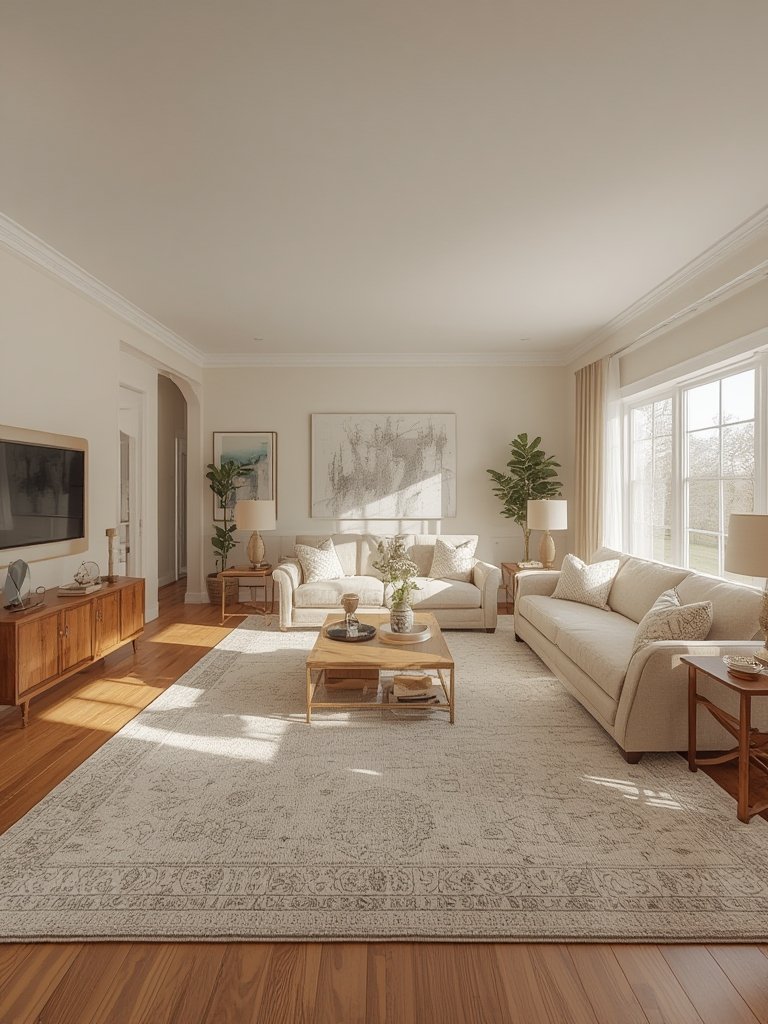
Remember: AI is an excellent tool for ideation and shortlisting styles—such as moody living room designs—but don’t trust every output as build-ready. Always consult pros for layout and regulatory checks.
Conclusion
AI room design tools are accelerating how both homeowners and pros plan, visualize, and execute interiors. While the technology is becoming more accessible, accuracy and outcome quality are not guaranteed. Understand the pros, the paywalls, and the platform requirements before committing to any big-seeming upgrade. Treat your AI room design tool as a creative partner—not a substitute for final decisions or pro advice. Try free versions, cross-check options, and invest only when the design output matches your expectations. Ready to try one? Start small and iterate rapidly for best results.
Ready to transform your home? Test-drive an AI design and compare it to traditional planning—in minutes. Stay informed, stay realistic, and make every design dollar work harder for you.
Frequently Asked Questions
How accurate are AI room design tools in showing real-world results?
Leading AI tools like Midjourney v5 claim up to 95% accuracy compared to client specifications, but actual results depend on your device, lighting, and photo quality. No widespread independent studies yet guarantee real-world, 1:1 replication.
Are there hidden fees in most AI room design apps?
Yes. Most popular apps are freemium. Free versions usually limit exports, hi-res output, or style options. Premium upgrades can range from $4 to $39 monthly, sometimes higher for pro-level or AR-enabled features.
What device do I need for AR or 3D features?
Most AR features require up-to-date smartphones or tablets (usually 2023 models or newer). Some advanced features run best on high-RAM devices with modern cameras; always check compatibility before downloading or subscribing.
Can I trust AI-generated paint colors and furniture placement?
AI-generated colors and layouts look realistic, but screen calibration and AI “guesswork” may cause subtle mismatches. Always order physical paint samples and measure furniture placement in real life before committing.
What’s missing from most online reviews of these tools?
Most reviews gloss over device compatibility, accurate paint color replication, usability frustrations, and real-world testing. Prioritize hands-on trials and look for detailed, user-driven case studies before heavy spending.
—